
Yard Chart
An app by SL View LLC
Everything on
your property.
Mapped.
Give every detail a place. Map your yard, connect photos and notes, and keep the story of your home close at hand.
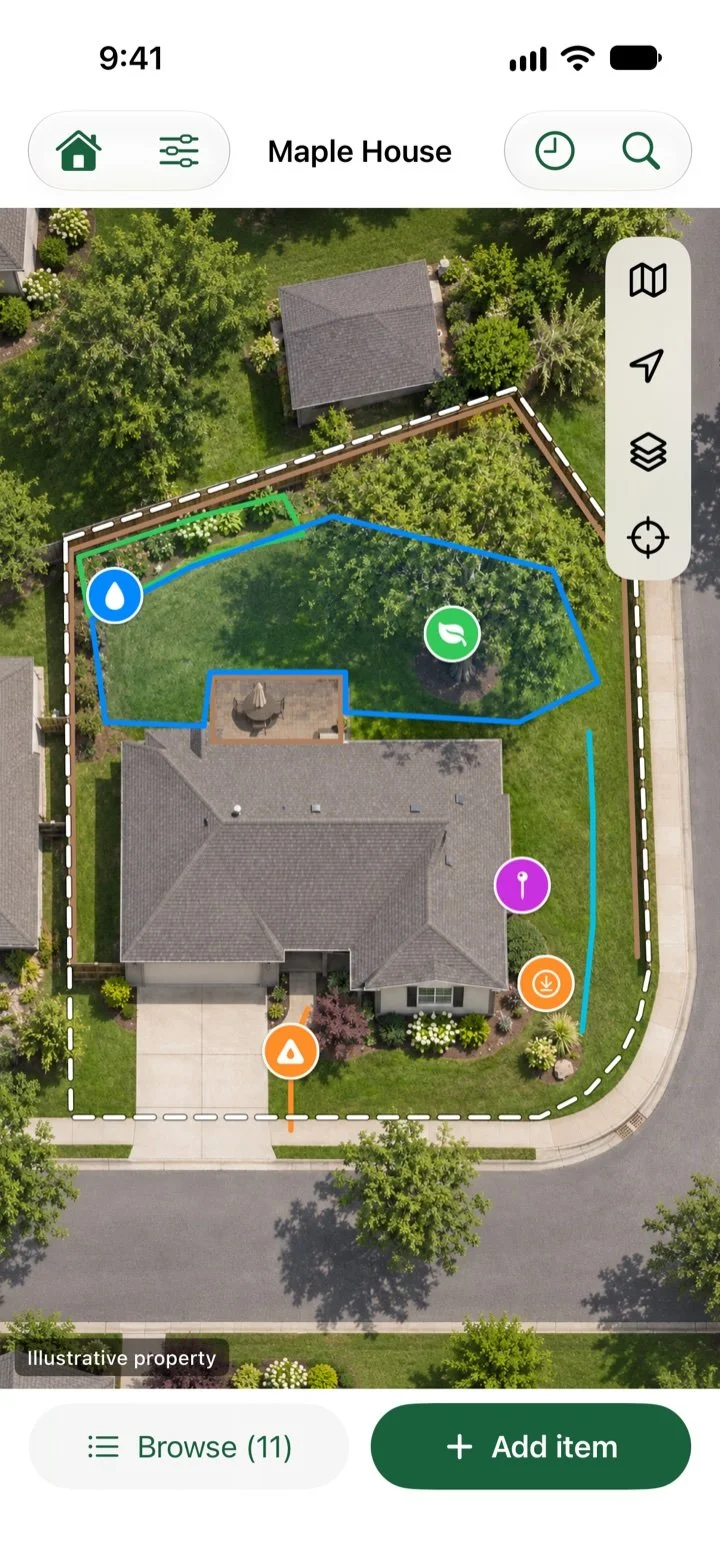
Yard Chart uses Apple Maps in the app.
01 / Map
Put things
in their place.
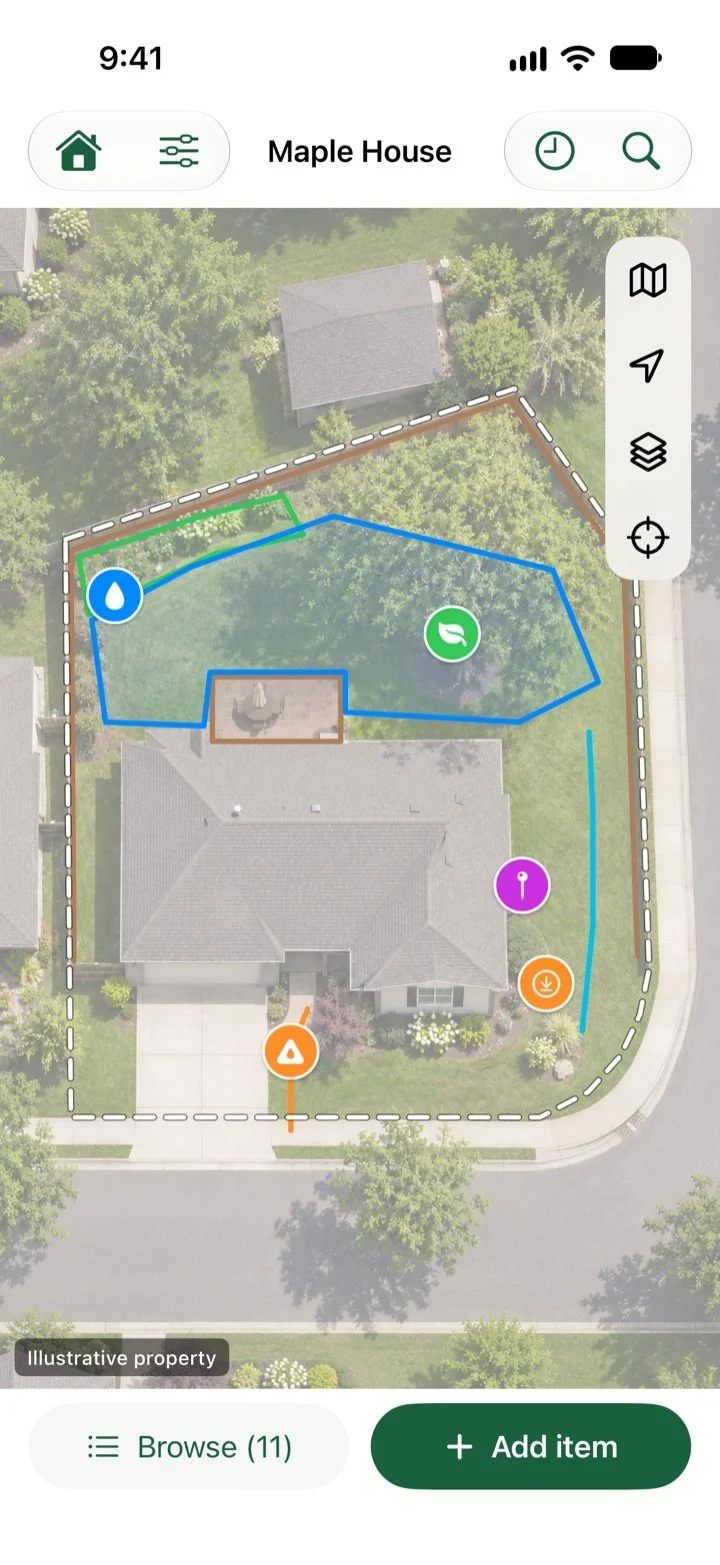
A clear picture of the details around your home. Map an item, then keep its useful information close at hand.
- Point, Line, or Area. Use the geometry that fits what you are recording.
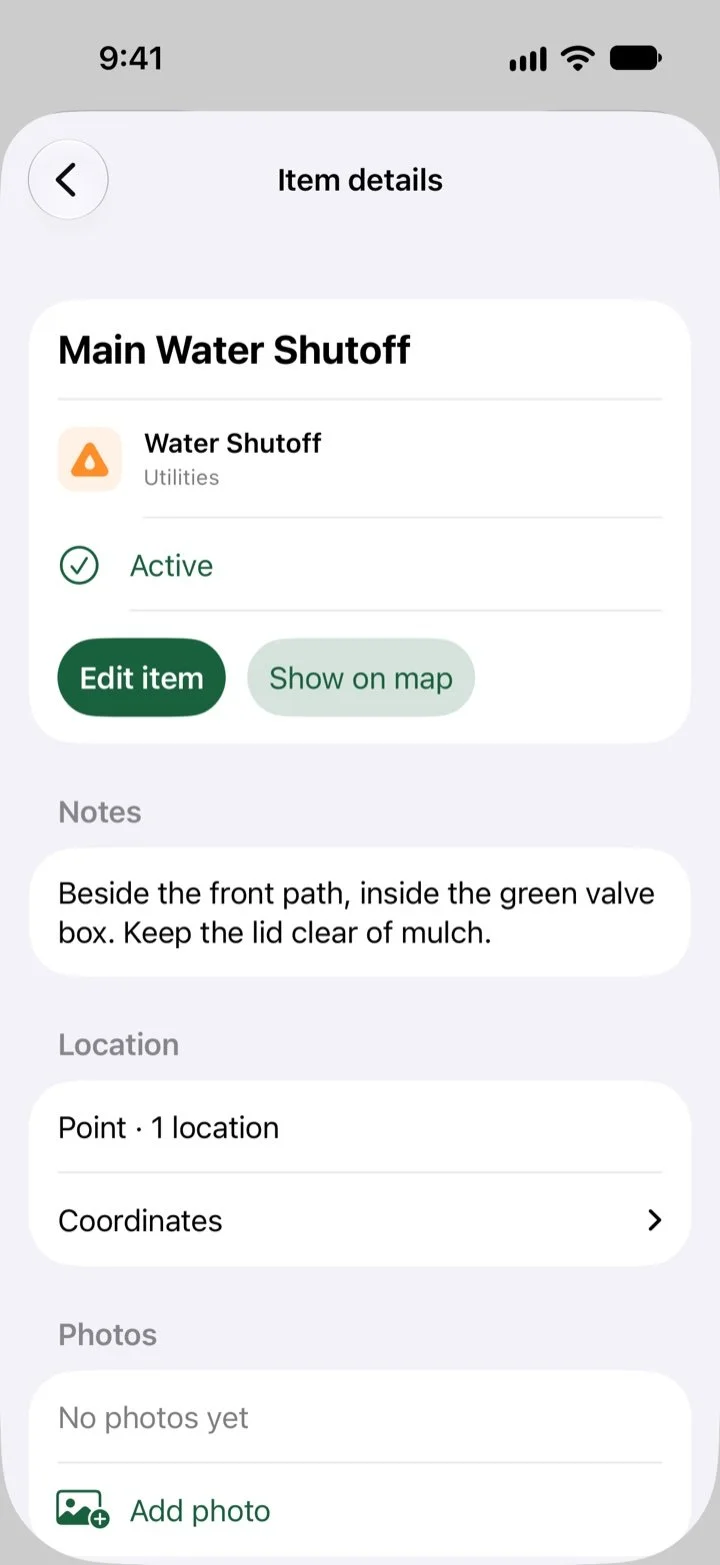
- From utilities to plants. Keep names, status, and notes connected to the map.
02 / Document
Keep the story
with the place.
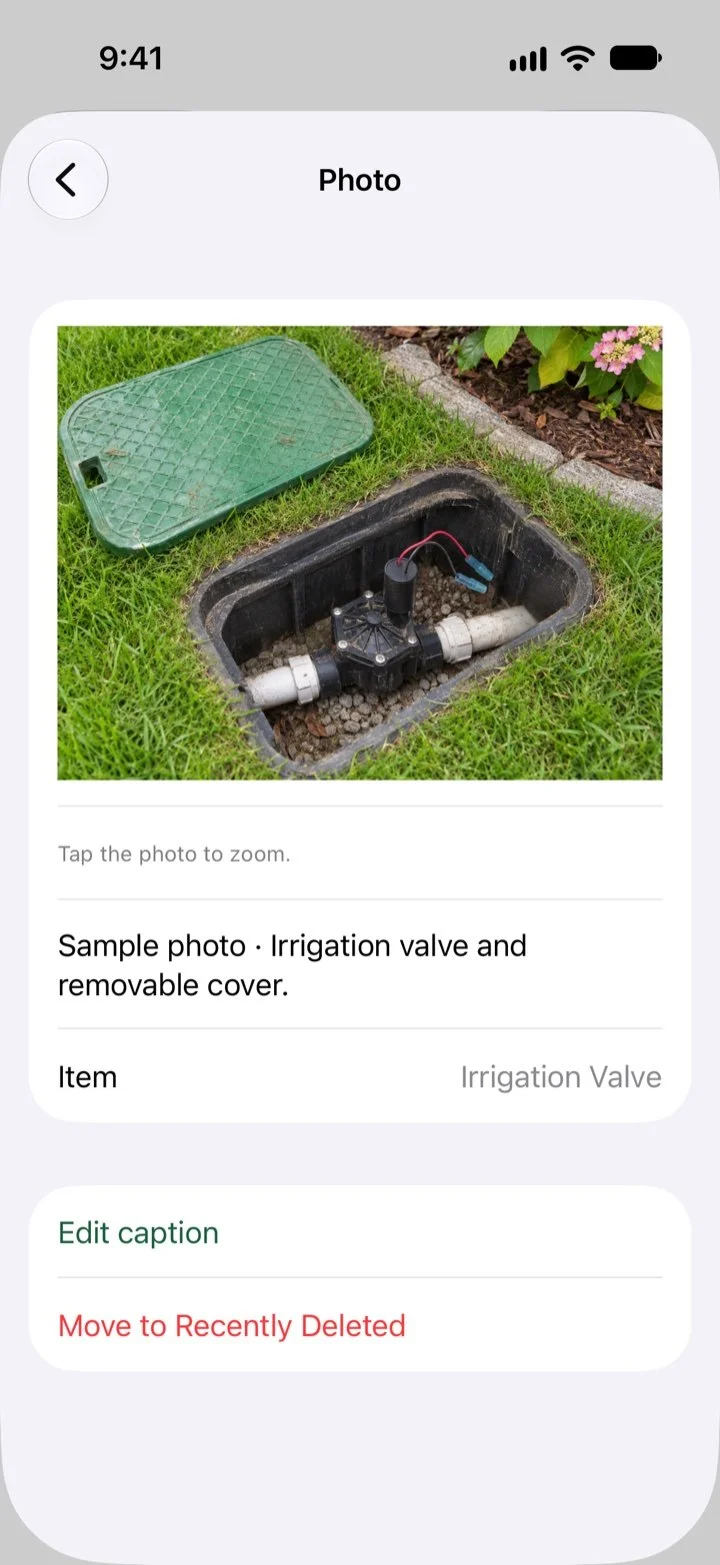
The photo you will need later. The work you did last season. The connection that explains how it all fits together.
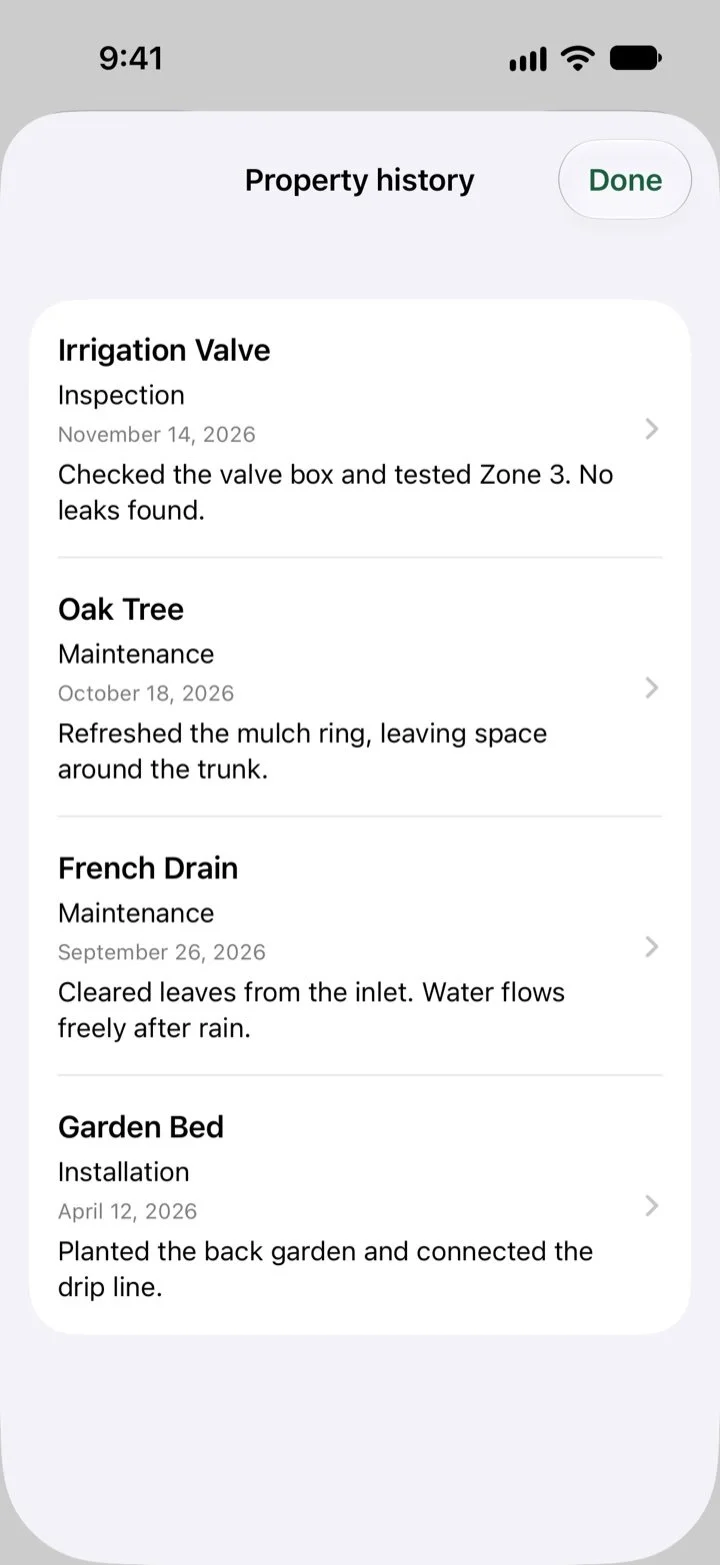
- Photos and history. Attach selected photos, add notes, and keep dated observations and maintenance records.
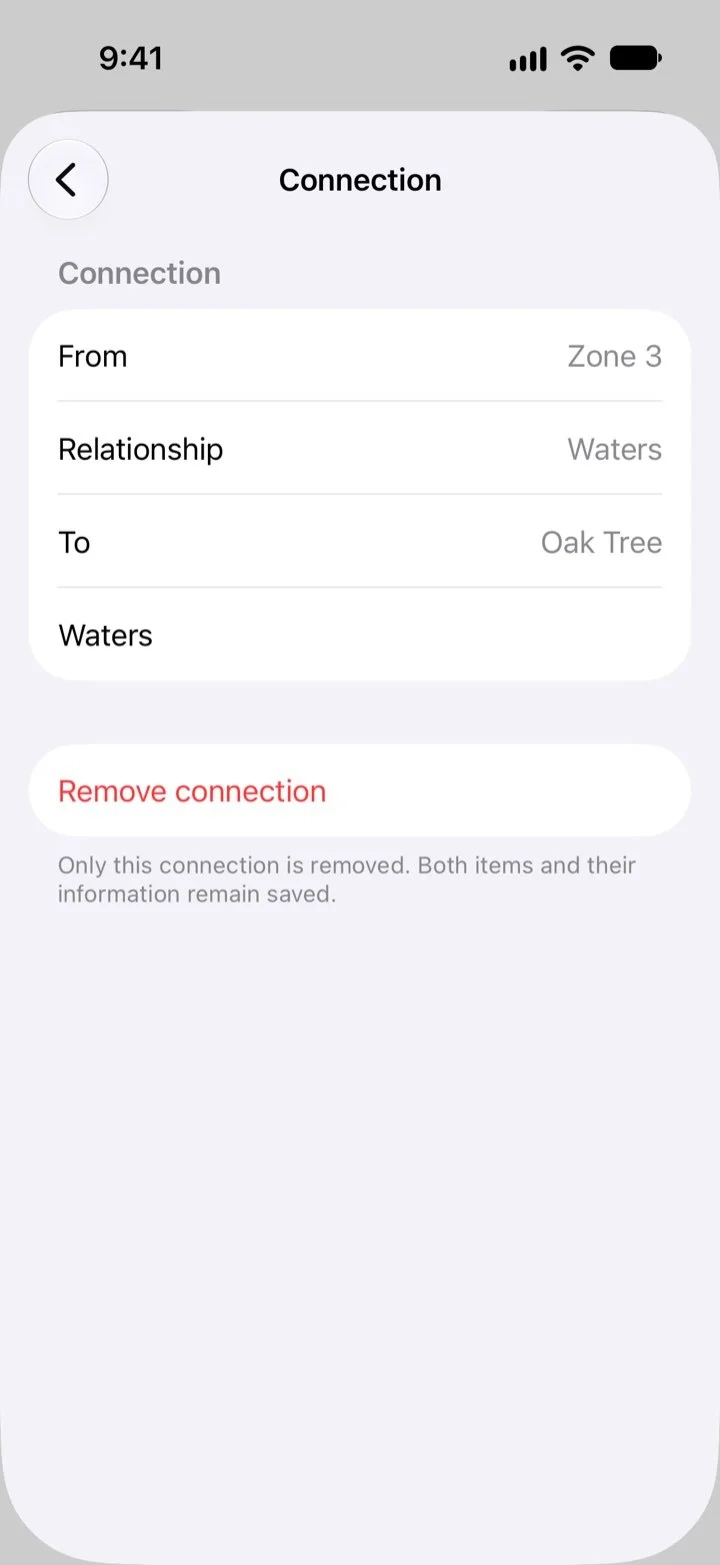
- Relationships. Connect related items, such as an irrigation zone and the tree it waters.
03 / Organize
Find it.
Then follow through.
Come back to the right information and keep the next property task in view.
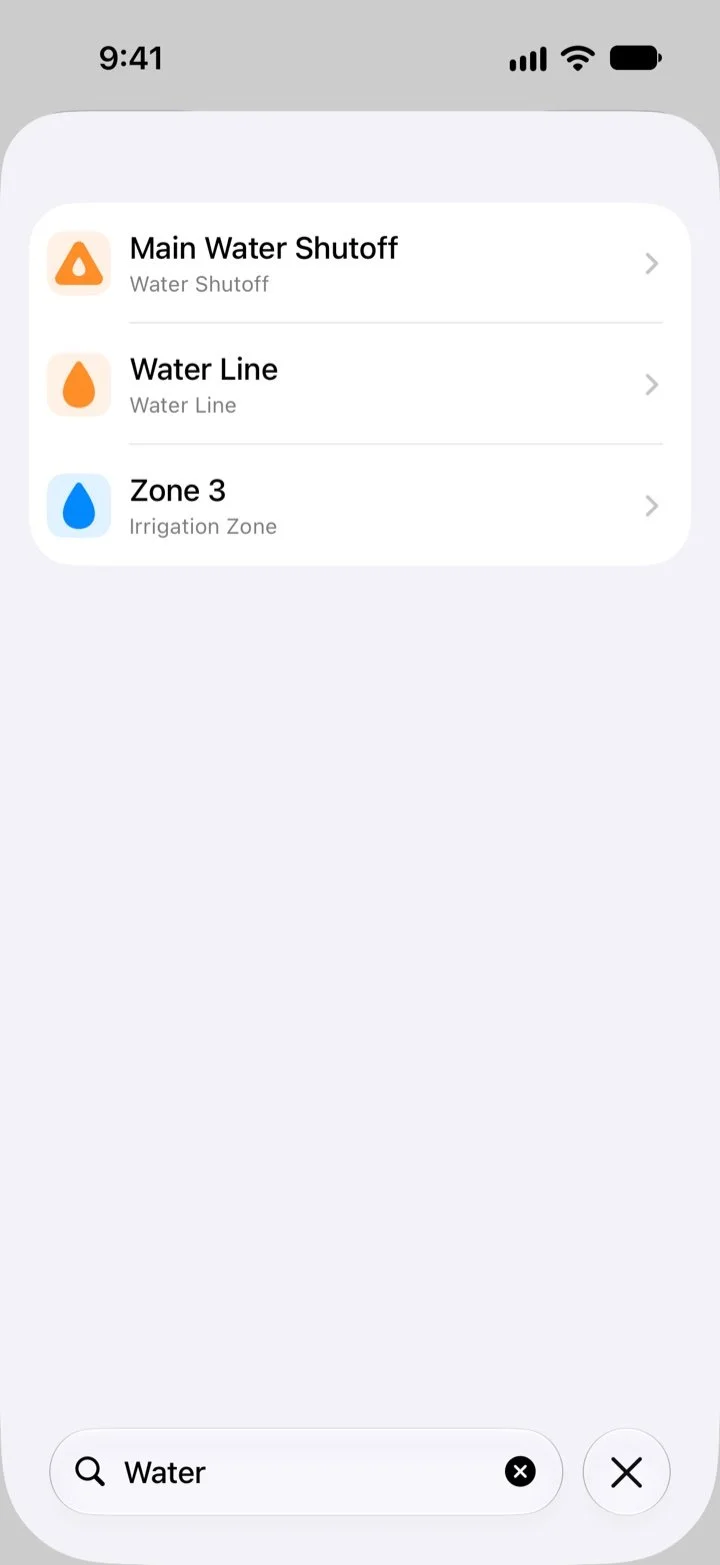
- Search and layers. Find items by name and use map layers to focus on the information you need.
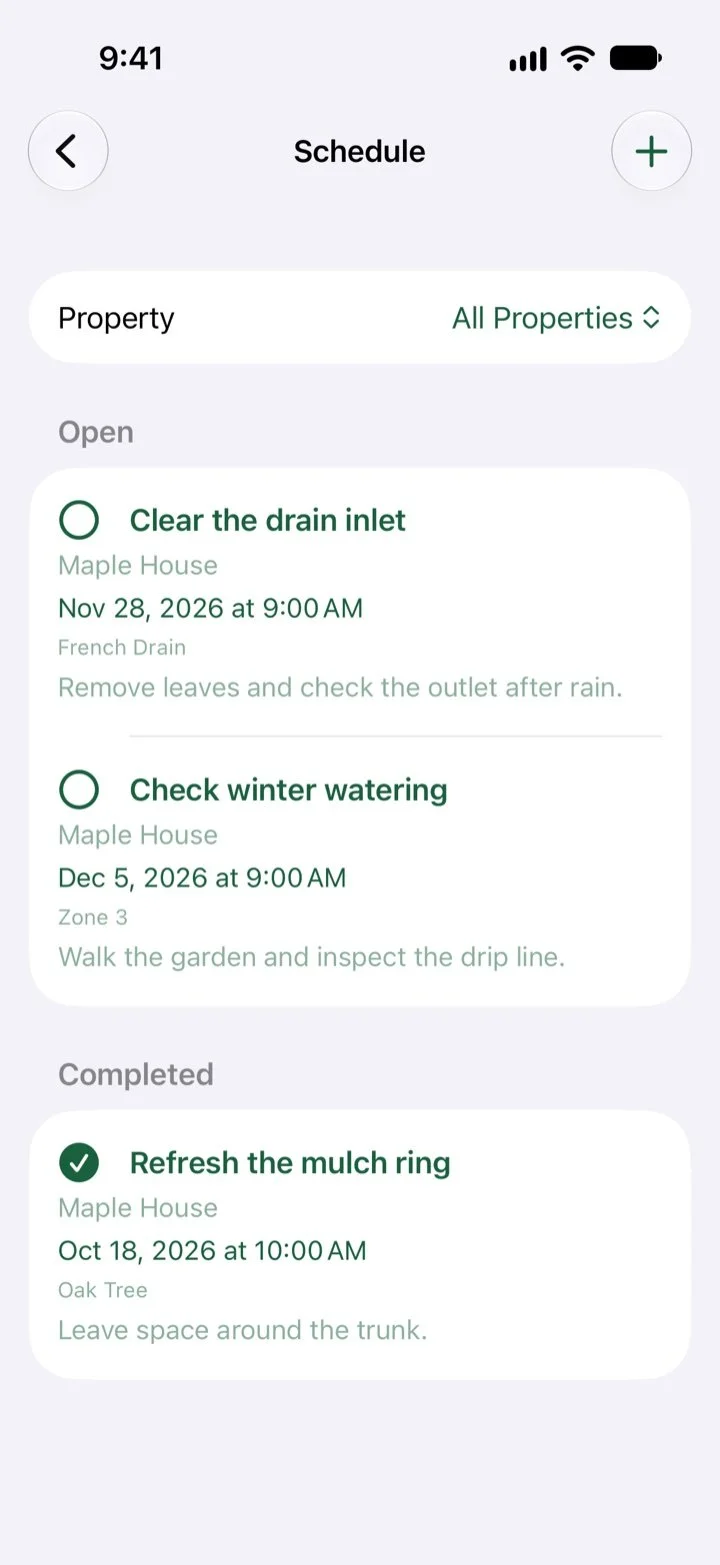
- Scheduler. Keep task dates, notes, and completion status connected to properties and items.
Thoughtful by design
Your property.
Your records.
Saved property information lives on your device and can sync through your private iCloud account using Apple’s CloudKit service.
Keep saved records available offline, with iCloud sync when available. Map imagery, sync, purchases, and some access checks need a connection.
Location permission is optional and used in context while you use the app. You choose which photos to add. SL View does not sell your personal data.
Read the Yard Chart Privacy Policy ↗One annual plan · All features included
7 days free.
Then $9.99 / year
Everything Yard Chart offers, in one plan.
U.S. pricing. Trial available to eligible customers. Localized prices and applicable taxes may vary; Apple shows your offer before purchase.
Cancel through Apple. Full access continues through the entitlement end date Apple reports. If your subscription ends, your records remain viewable in read-only mode. They are not deleted or hidden solely because you stop subscribing.
Renews automatically unless canceled at least 24 hours before the trial or current period ends. Record access depends on your data remaining on your device or in iCloud and compatible services. Apple’s rules apply to refunds and revoked purchases.
Subscription and service terms · Apple standard EULA
Coming soon to the Apple App Store.
Yard Chart support
A question about the app?
For help with Yard Chart, contact SL View LLC.